Social media managers have long suffered under the weight of the visibility-to-sales gap. You generate millions of impressions on TikTok and LinkedIn, but when the C-suite looks at the last-click conversion data, social looks like a rounding error. As Revista Merca2.0 recently noted, the core problem remains that while social generates immense visibility, brands struggle to demonstrate the direct path to sales. But the landscape is shifting. With the rise of AI-powered search engines like Bing (powered by GPT-4) and Perplexity, the way users discover brands is no longer a linear path from an ad to a cart.
By the end of this guide, you will be able to use Microsoft Clarity’s specific AI citation reporting to prove that your top-of-funnel social efforts are influencing the 'unbranded' queries that drive high-intent traffic. You aren't just looking for people searching for your brand name; you're looking for the moments an AI recommends you as the solution to a general problem.
What you need before starting:
- A Microsoft Clarity account integrated with your website.
- Active Google Search Console and Bing Webmaster Tools connections within Clarity.
- At least 30 days of consistent organic social posting data to correlate.
TL;DR
- AI Citations are the new backlinks; Microsoft Clarity now differentiates between when an AI mentions your brand name vs. your product category.
- Non-branded discovery is the holy grail of social ROI, proving you are building category authority, not just brand recall.
- The Audit requires segmenting 'AI Referrals' from standard organic search to see how LLMs perceive your brand's relevance.
Step 1: Configure the AI Search Referral Segment
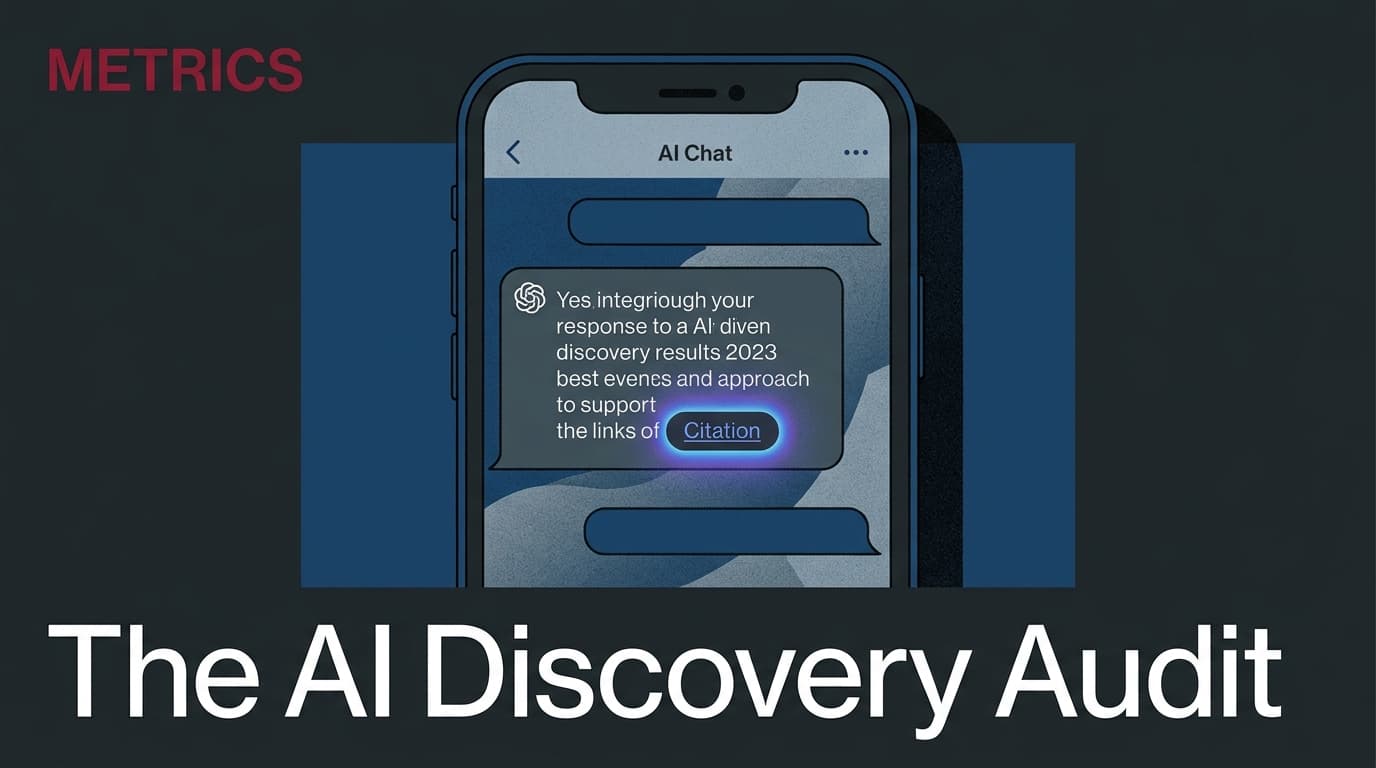
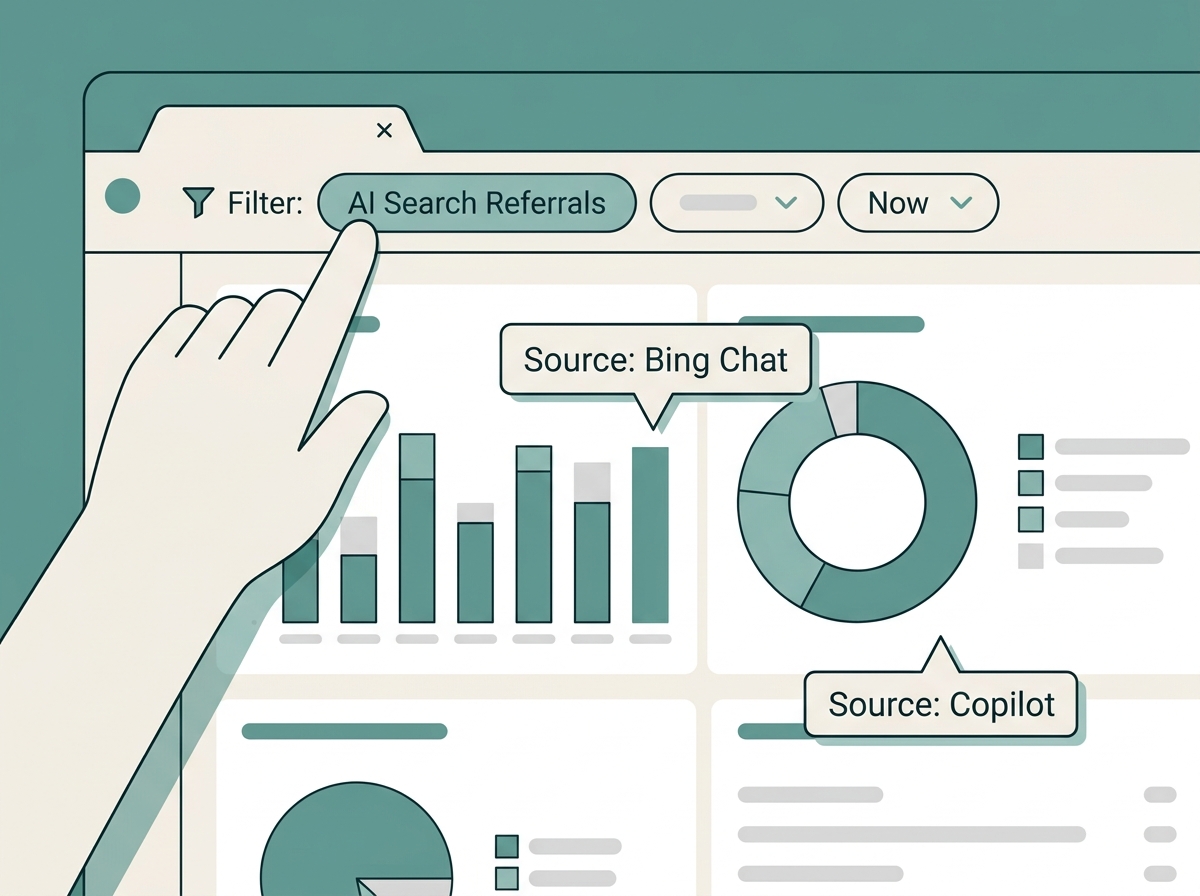
To measure discovery, you must first isolate it. Standard analytics often lump Bing Chat or Copilot referrals into general 'Organic Search' or 'Direct' traffic. This obscures the very data you need to prove social impact. Microsoft Clarity allows for granular filtering that separates traditional keyword-based search from generative AI citations.
Go to your Clarity dashboard and navigate to the 'Filters' tab. You want to create a custom segment specifically for AI Referrals. Why does this matter? Because a user coming from a generative AI response has already been 'sold' on your brand by the LLM. They aren't browsing; they are verifying. According to Search Engine Journal, non-linear targeting is becoming the only way to reach niche audiences in restricted segments. AI search is the ultimate non-linear path.
What to do:
- Open the 'Referrers' filter.
- Select 'Search' but specifically look for the 'AI/Chat' sub-category if your version of Clarity has the latest preview enabled.
- If not, manually filter by the source URL
bing.com/chatorcopilot.microsoft.com. - Save this segment as 'AI Discovery Traffic'.
Common Pitfall: Don't forget to exclude your own internal testing IP addresses. AI referral data is still low-volume compared to standard search; even five internal clicks can skew your discovery metrics by 20%.
Step 2: Distinguish Branded vs. Non-Branded Citations
This is where the audit gets clinical. A 'branded' citation is when someone asks Bing, "Is [Your Brand] good for project management?" A 'non-branded' citation is when they ask, "What is the best project management tool for small agencies?"
If your organic social strategy—specifically your educational content on LinkedIn or your 'how-to' videos on TikTok—is working, you should see an increase in non-branded AI citations. This proves you are winning the 'Category Entry Point'. Use the 'Top Pages' report within your new AI segment to see which URLs the AI is citing.
What to do:
- In your AI Discovery segment, navigate to the 'Keywords' or 'Search Queries' tab (integrated from Bing Webmaster Tools).
- Export the list to a spreadsheet.
- Label every query that does not contain your brand name as 'Discovery'.
- Compare the ratio of Discovery vs. Branded queries over a 90-day period.
Why it matters: Branded search is often the result of paid ads or direct word-of-mouth. Non-branded AI discovery is the direct result of 'information density'—the amount of high-quality, indexable content you've put into the ecosystem via social and PR that LLMs have ingested. How to increase information density for LLMs
Common Pitfall: Marketers often celebrate any AI mention. But if 90% of your AI citations are branded, you aren't actually 'discovering' new customers; you're just capturing people who already knew you existed. You want that non-branded number to grow.
Step 3: Analyze Session Recordings for 'AI Intent'
Data tells you that they arrived; session recordings tell you why they stayed. When a user arrives via an AI citation, their behavior is fundamentally different from a Google searcher. A Google searcher often 'pogo-sticks' (hits the back button quickly). An AI searcher has already read a summary of your site; they usually arrive with specific intent.
In Microsoft Clarity, filter your recordings by your 'AI Discovery Traffic' segment. Look for the 'Dead Clicks' and 'Rage Clicks' metrics specifically for these users. If someone is cited for a non-branded query like "eco-friendly sneakers" and they land on your homepage rather than a specific product page, you are losing the conversion social worked so hard to set up.
What to do:
- Watch 10-20 recordings of users coming from AI sources.
- Note the first element they interact with. Is it the navigation? A specific CTA?
- Check the 'Scroll Depth'. AI-referred users should, in theory, have higher scroll depth because they are seeking the specific detail mentioned in the AI chat.
Why it matters: This closes the loop between social visibility and site performance. If your social team is pushing a specific narrative (e.g., "We are the most sustainable option"), and the AI cites you for that, but the landing page doesn't immediately validate that claim, your conversion rate will crater. Optimizing landing pages for social traffic

Step 4: Correlate Social Spikes with Citation Growth
Now we move to attribution. While we can't always track a single TikTok view to a Bing Chat query, we can track temporal correlation. When you have a post go viral or a high-engagement campaign on Instagram, there is a documented 'halo effect' on search.
Research from MarketBeat suggests that social media stocks and the platforms themselves are increasingly tied to how well they facilitate this discovery. As platforms like Meta and TikTok integrate their own AI search tools, the content you post today becomes the training data for the citation you get tomorrow.
What to do:
- Overlay your social media engagement calendar (likes/shares/reposts) with your Clarity AI Citation chart.
- Look for a 7-to-14 day lag. It takes time for search crawlers and LLM indexes to refresh their 'understanding' of your brand’s current relevance.
- Identify which social topics preceded a spike in non-branded discovery. Did your video about 'Carbon Neutral Logistics' lead to more AI citations for the query 'sustainable shipping companies'?
Common Pitfall: Don't look for immediate 24-hour correlations. AI search engines are not as real-time as Twitter. The 'indexing lag' is real. Give your data two weeks to breathe before claiming victory.
Step 5: The Verification Step (Proving it Worked)
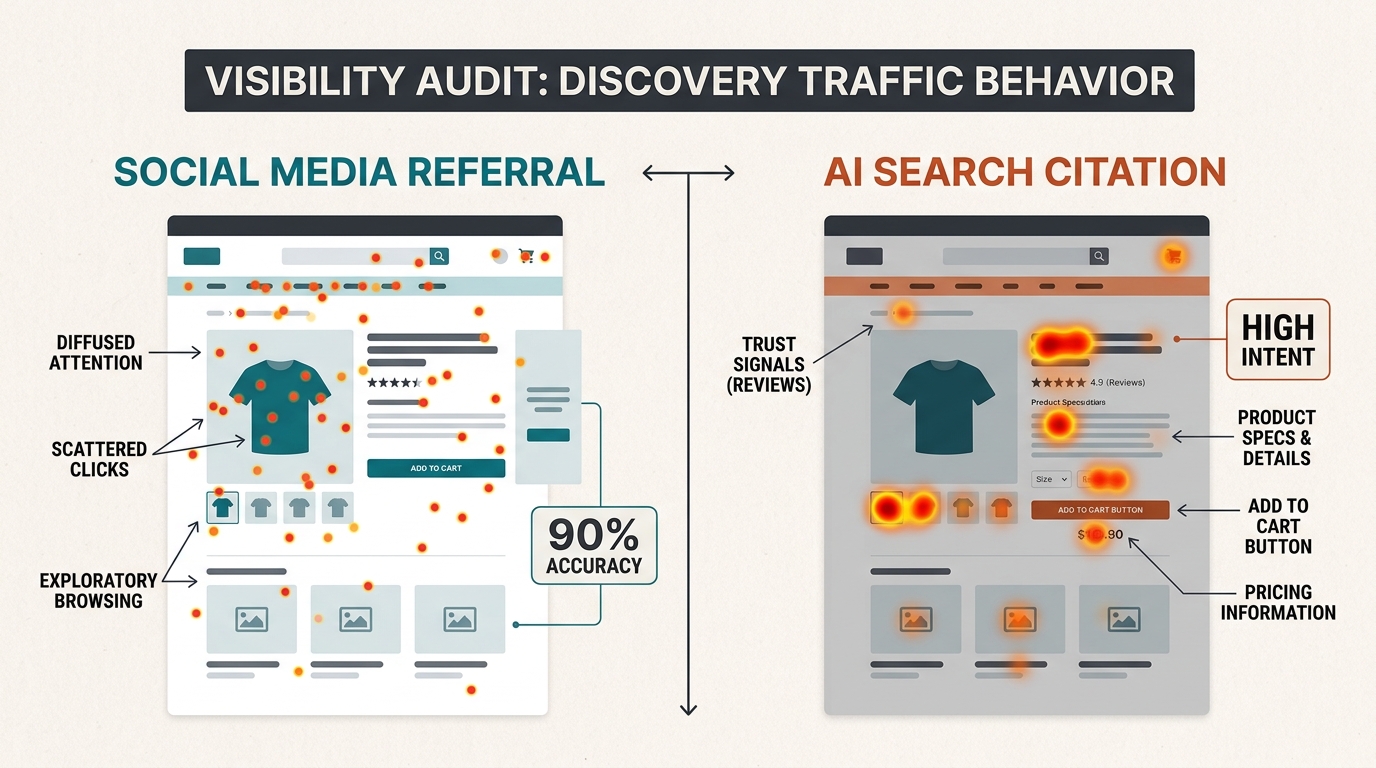
How do you know this audit actually changed anything? You verify by looking at the 'Referral Path' quality. In Clarity, look at the 'Heatmaps' for AI-referred traffic vs. Paid Social traffic.
If your audit and subsequent optimizations are successful, you should see the 'AI Discovery' segment producing a lower bounce rate and higher 'Key Interaction' rate than your direct social traffic. This proves that while social drives the awareness, the AI citation acts as the validation layer that moves the user toward a purchase.
What to do:
- Compare the 'Heatmap' of a user from a TikTok link vs. a user from a Bing AI citation on the same page.
- If the AI user is more focused on the 'Trust Signals' (reviews, certifications, fine print), you have successfully moved them down the funnel.
- Present this to your stakeholders: "Social isn't just getting us clicks; it's training the AI engines to recommend us as a top-tier solution, resulting in 20% higher intent traffic."
Three Related Tactics to Try Next
Once you have mastered the basic Microsoft Clarity AI audit, you can expand your measurement framework to further bridge the gap between social and search.
- The 'Social-Search' Feedback Loop: Take the non-branded keywords that the AI is citing you for and feed them back to your social team. If the AI thinks you are an expert in "organic skincare for athletes," double down on that content on social to reinforce the signal.
- Competitor Benchmarking via 'Copilot': Use Bing Copilot to ask, "Who are the leaders in [Your Category]?" If you aren't mentioned, look at the citations for the competitors who are. Plug their cited URLs into your own SEO tools to see what social signals they might be leveraging.
- Nielsen-Style Independent Measurement: Following the recent $2B deal where Nielsen acquired DoubleVerify, the industry is moving toward 'arbiter of truth' measurement. Use Clarity as your own independent arbiter. Don't rely on the platform's self-reported 'estimated conversions.' Use the hard session data to verify if the 'visibility' mentioned in Revista Merca2.0 is actually turning into site engagement.
By following this audit process, you stop being the 'social manager who posts pretty pictures' and start being the 'growth lead who manages the brand’s AI reputation.' In an era where the search bar is being replaced by a chat box, being the cited authority is the only metric that will eventually matter.
FAQ