For years, the relationship between social media and Google Search was a black box. You knew your TikToks were ranking in Google’s mobile SERPs—Google’s Q2 earnings data from 2026 suggests mobile search volume for short-form video is up 40% year-over-year—but you couldn't prove the conversion path. You were stuck looking at vague 'Referral' traffic in GA4 or relying on third-party tools like Semrush's AEO dashboard to guess your visibility.
That changed this month. Google has officially rolled out Platform properties within Google Search Console (GSC). This update allows brands to verify ownership of social profiles and video channels, pulling granular search performance data directly into the GSC interface. We’re no longer just looking at clicks to your website; we’re looking at how your social content itself functions as a search result.
By the end of this guide, you will have connected your TikTok and YouTube assets to GSC, audited which keywords are triggering your video results, and identified the specific 'Search Intent' gaps your competitors are currently exploiting.
Key takeaways
- Unified Visibility: Platform properties treat your social profiles as first-class citizens, showing impressions and clicks for videos ranking in Google Search.
- Intent Mapping: You can now see the exact queries that lead users to your TikToks, allowing for better content alignment.
- Competitive Edge: Early adoption allows you to optimize for 'Answer Engine' results before the SERP becomes oversaturated with AI-generated summaries.
Step 1: Verify your social handle via the Platform Property portal
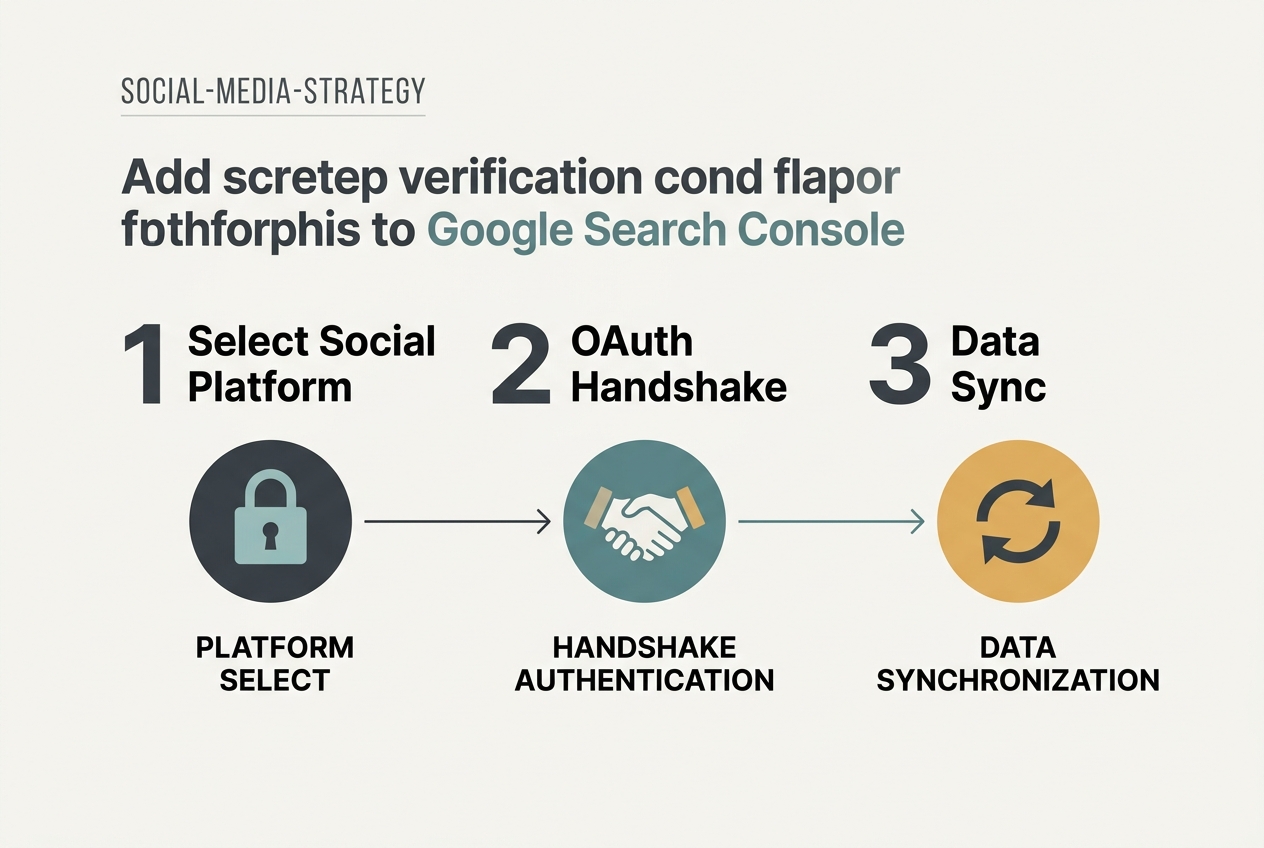
The first hurdle is verification. Unlike a website where you drop a meta tag or upload an HTML file, Platform properties rely on OAuth 2.0 and API-based verification. Google has partnered with ByteDance and its own YouTube division to streamline this.
You’ll need to navigate to the 'Add Property' dropdown in GSC. Instead of selecting 'Domain' or 'URL prefix', you’ll now see a third option: 'Social Platform'.
Why does this matter? Without this specific verification, Google treats social traffic as external. Once verified, Google maps the relationship between your verified brand domain and your social handles. This is the foundation of 'Entity-Based SEO'. When Google knows @YourBrand on TikTok is the same entity as YourBrand.com, it boosts the authority of both in the Knowledge Graph.
Common pitfall: Do not try to verify a personal account if you intend to track brand data. The API permissions require an 'Owner' or 'Manager' role on the TikTok For Business or YouTube Studio side. If you are an agency strategist, ensure the client grants you 'Admin' access to the social platform before you attempt the GSC handshake.
Step 2: Configure your Social Search performance filters
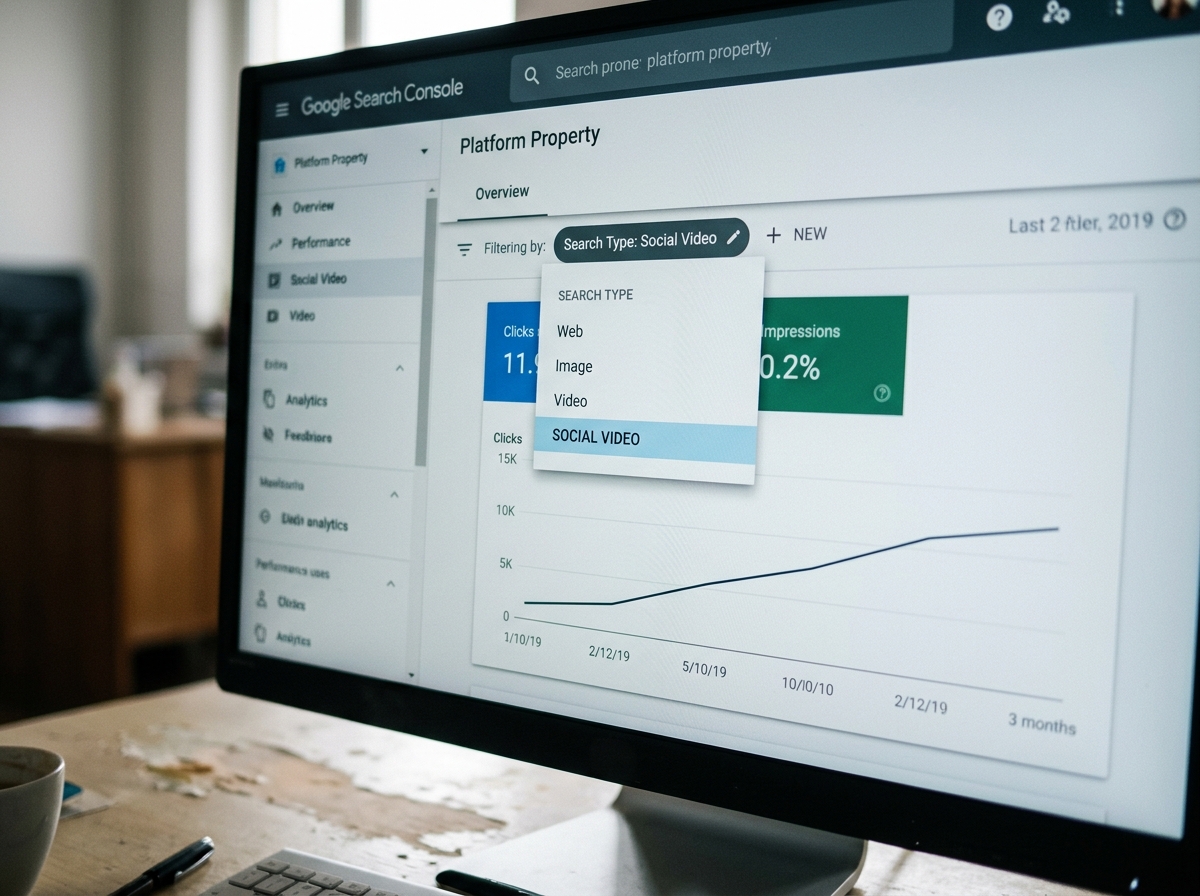
Once the data begins to populate—usually within 48 to 72 hours—you’ll notice the Performance report has changed. A new 'Search Type' filter labeled 'Social Video' will appear.
This is where the real work begins. You need to segment your data to distinguish between 'Discovery' search (users finding your video while searching for a broad topic) and 'Brand' search (users searching for your name). In the new GSC interface, you can filter by 'Page', which in this context refers to the specific TikTok or YouTube URL.
You should look for high-impression, low-click videos. This indicates that your video is ranking for a relevant query, but your thumbnail or title isn't winning the click. In the era of [INTERNAL: AI-driven search results -> search-generative-experience-impact], your social video is often the only 'human' element on the page. Use this data to A/B test your TikTok captions.
Common pitfall: Marketers often forget that Google’s video indexing is separate from the TikTok app's internal search. A video that goes viral on the TikTok FYP might have zero visibility on Google if the metadata doesn't match Google's search intent parameters.
Step 3: Analyze the 'Queries' report for TikTok SEO visibility
This is the most valuable part of the new update. The 'Queries' tab for Platform properties shows you the exact phrases users typed into Google before clicking on your TikTok.
For example, a skincare brand might find that their 'How to use retinol' TikTok is ranking for the query 'best nighttime skincare routine'. This is a high-intent, bottom-of-funnel query. If the video doesn't have a clear CTA or a link to the product in the bio, you are wasting prime SERP real estate.
Compare this data against your standard Website property. Are there keywords where your website is on Page 2, but your TikTok is in the #1 Video spot? If so, stop trying to force the website page up. Instead, lean into the video. Update the TikTok description to include keywords found in the GSC report to solidify that top spot.
Common pitfall: Relying solely on 'Clicks'. In social search, an 'Impression' is often as valuable as a click because the user watches the video directly in the Google overlay without ever visiting the social app or your site. This is 'Zero-Click' branding.
Step 4: Map Video Search Reporting to your YouTube strategy
YouTube data has always been available in a limited capacity via the 'Video' filter in GSC, but the Platform property version adds a layer of 'Channel Health' metrics. You can now see if Google has flagged any of your videos as 'Not Indexed' due to 'Video not prominent on page' errors.
For YouTube, this step involves checking the 'Enhancements' tab. Google now provides specific feedback on 'Key Moments' (chapters). If you haven't added timestamps to your YouTube videos, GSC will now explicitly tell you how many impressions you’re losing because Google couldn't generate those 'suggested clips' in the SERP.
Why it matters: Per the latest Adweek report on streaming engagement [S1], users are increasingly looking for 'snackable' utility. If your 10-minute YouTube video doesn't have chapters, Google can't serve the 30-second answer to a user's specific question.
Step 5: Conduct a 'Cross-Platform Gap Analysis'
Now that you have data for both your website and your social platforms in one place, you can perform a gap analysis. Create a spreadsheet with three columns: 'Target Keyword', 'Website Rank', and 'Social Rank'.
Look for 'Cannibalization'. If your YouTube video and your blog post are both ranking for the same keyword, you might be bidding against yourself in the attention economy. Conversely, if neither is ranking, you have a content gap.
This is particularly important for brands using Snapchat marketing strategies or TikTok ads. If you see a spike in search impressions for a specific product after a social campaign launch, you can finally attribute that 'halo effect' to your social spend.
Common pitfall: Ignoring the 'Image' search tab. Many TikToks are indexed as images first. If you aren't checking the 'Image' filter in your Platform property, you're missing a significant chunk of your top-of-funnel discovery.
Step 6: Verify and calibrate your data
How do you know if your audit is accurate? Cross-reference your GSC Platform data with your TikTok for Business 'Search Ads Toggle' data. While they measure different things, the 'Search Terms' report in TikTok should show similar intent patterns to the 'Queries' report in GSC.
If GSC shows a high volume of 'How-to' queries but your TikTok analytics show most views coming from the 'For You' feed, your content is successfully bridging the gap from 'Passive Entertainment' to 'Active Solution'.
To verify the connection is working, publish a new video with a highly specific, unique keyword (e.g., a made-up product code). Search for that code on Google 24 hours later. If the video appears and the impression shows up in GSC by the next update, your Platform property is fully synced and tracking correctly.
Three related tactics to try next
- The 'Answer Engine' Pivot: Use the queries found in Step 3 to create a 'Part 2' video. If Google is already ranking you for a question, answering the follow-up question in a new video creates a 'SERP Monopoly' where you own multiple video slots.
- Bio-Link Optimization: Now that you know which videos drive search traffic, change the link in your social bio to match the intent of your top-ranking search video. If a 'Retinol' video is your top search driver, your bio link should go to a Retinol landing page, not your homepage.
- Schema Markup for Social: While you can't add schema to TikTok, you can embed your top-performing TikToks into your blog posts. Use 'VideoObject' schema on your website to tell Google that the embedded TikTok is the primary content of the page, further boosting its search visibility.
Monitoring these properties weekly is no longer optional. As Meta's recent earnings [S4] show, the cost of traditional ad attention is rising. Owned search visibility through social platforms is the most cost-effective way to hedge against rising CPMs and the 'Zero-Click' future of the internet.
FAQ