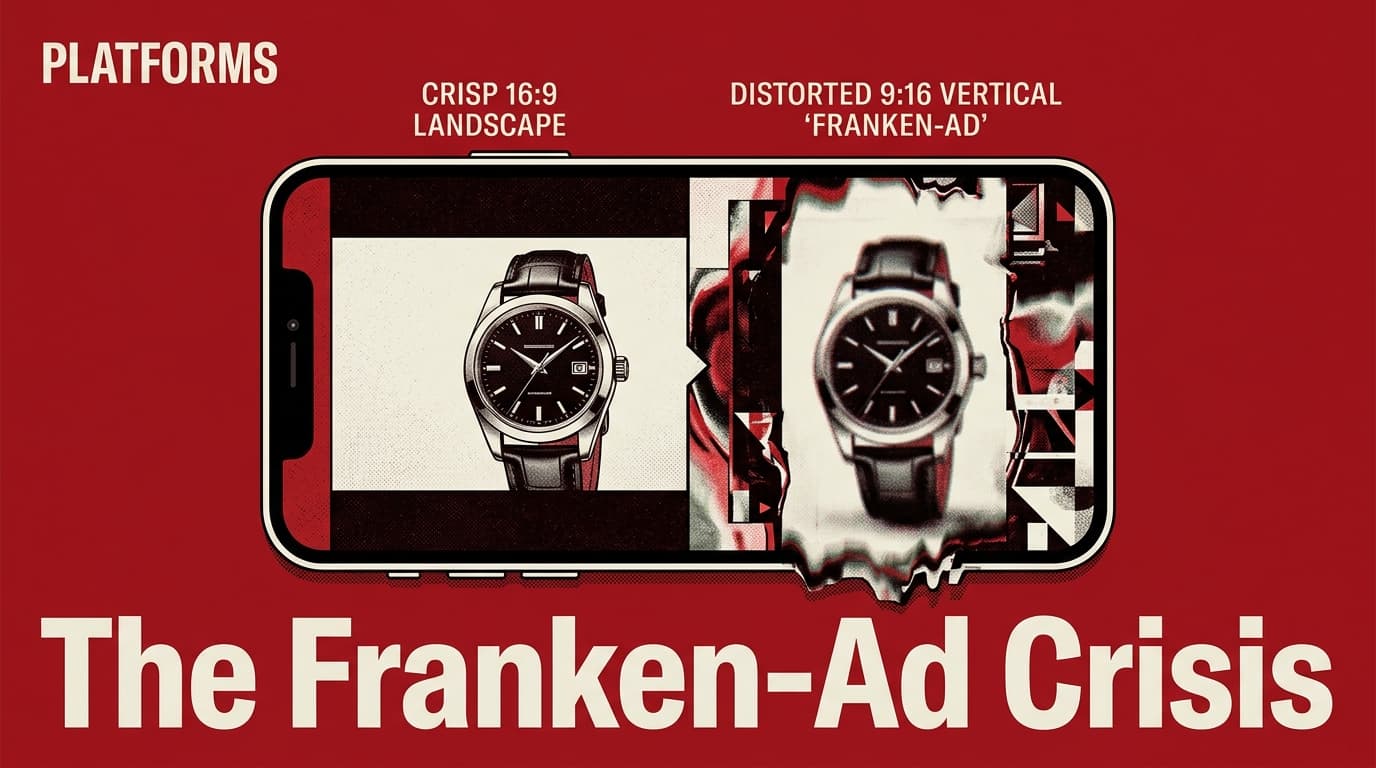
If you have logged into Google Ads recently, you have likely seen the prompt: Google can now 'enhance' your video assets using generative AI. Specifically, it is taking your 16:9 landscape brand films and automatically reframing, cropping, and extending them into 9:16 vertical and 1:1 square formats. On paper, it is a dream for the resource-strapped social media manager. In practice, it is creating a wave of 'Franken-ads'—creative that technically fits the screen but fails the vibe check of the platforms where it lands.
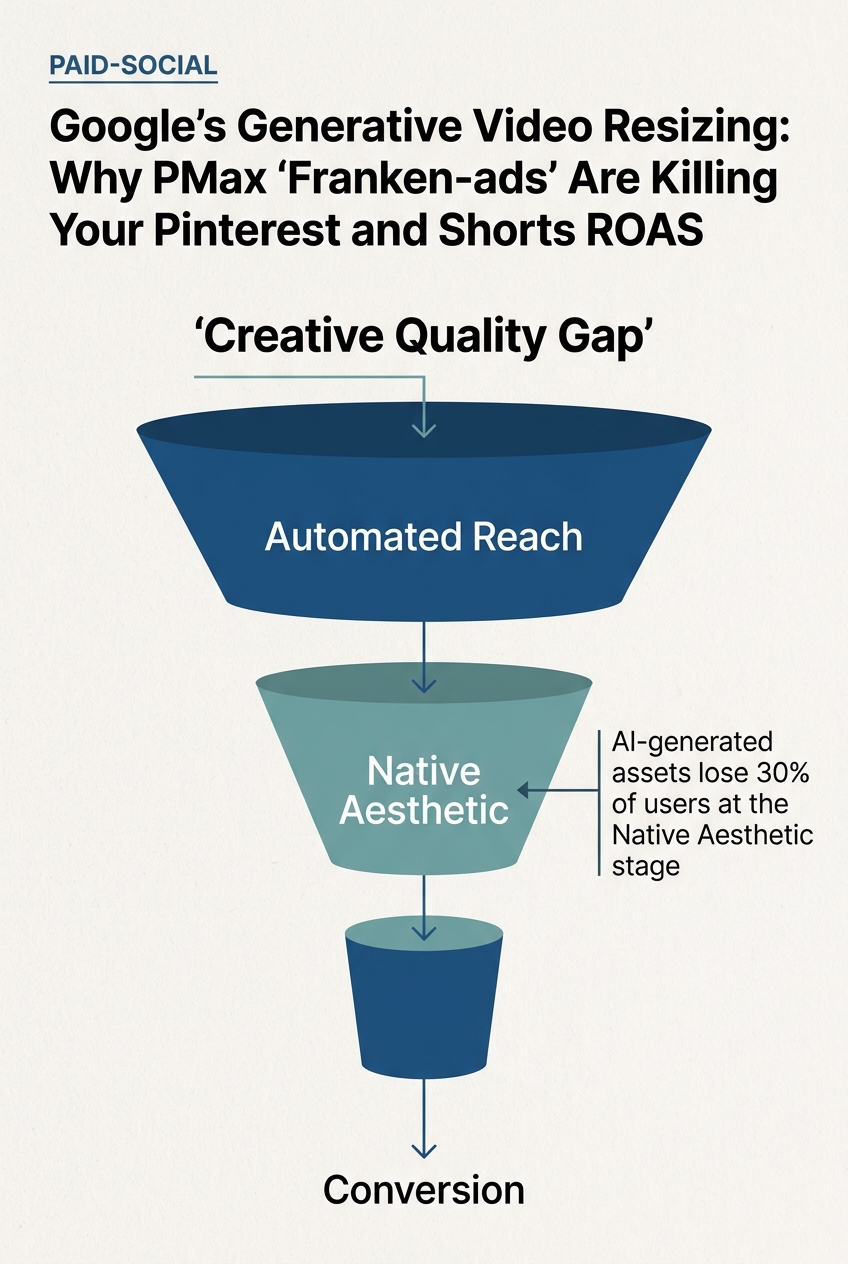
Performance Max (PMax) was built to take the thinking out of channel allocation. You give Google the raw materials, and its black box finds the conversion. But as Google pushes deeper into Pinterest-like discovery feeds and YouTube Shorts, the 'one size fits all' approach to creative is hitting a wall. The nuance of a vertical placement isn't just about the aspect ratio; it is about the visual grammar of the platform. When AI resizes a video, it often misses the mark on focal points, text overlays, and the native aesthetic that users demand.
The PMax Black Box Meets Generative Resizing
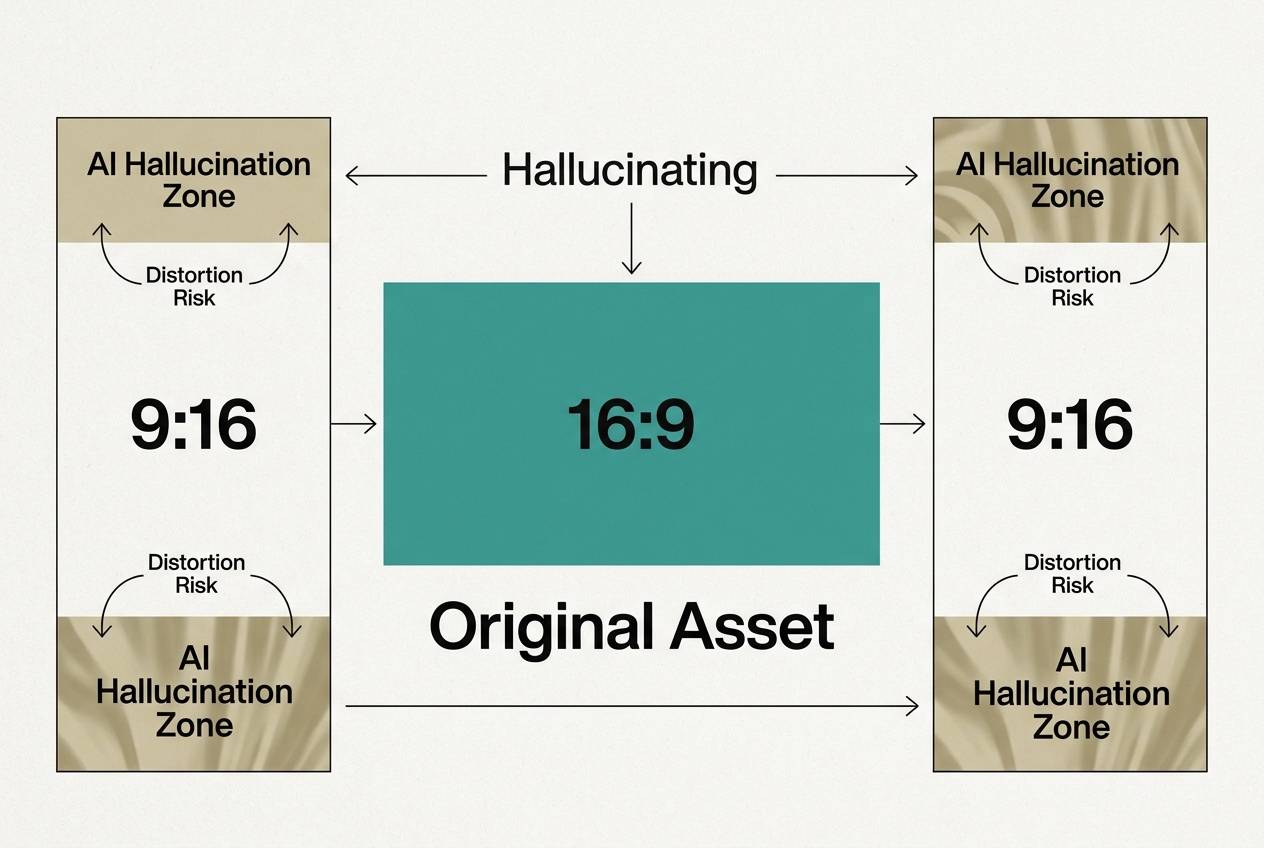
To understand why this matters, you have to understand the mechanism. Google’s generative video resizing doesn't just crop the center of your frame. It uses computer vision to identify the 'action' and attempts to keep that subject centered. If the original footage doesn't have enough background to fill a vertical frame, the AI generates new pixels to extend the scene—a process known as outpainting.
Think of it like a tailor trying to turn a suit jacket into a pair of trousers. They might have enough fabric to make it work, but the seams are going to look weird, and the pockets will be in the wrong places. In the context of a YouTube Shorts ad, this manifests as blurry edges, distorted brand logos, or a subject that looks awkwardly isolated in a sea of AI-generated filler. For a brand lead, this is a quality control nightmare. For a paid-social buyer, it is a signal-to-noise problem.
How PMax is shifting the role of the media buyer
According to recent industry benchmarks, vertical video on mobile-first platforms sees a 20-30% higher engagement rate than letterboxed landscape video. Google knows this. By forcing your landscape assets into vertical shapes, they are trying to unlock inventory on Shorts and the Google Discovery feed that your account would otherwise skip. The problem is that 'inventory' does not equal 'conversion' if the creative looks like a glitch.
Why Pinterest and Shorts are the Danger Zones
Placements on Pinterest and YouTube Shorts are high-intent but low-tolerance. Users on these platforms are in a state of flow—scrolling through a curated aesthetic or a rapid-fire sequence of entertainment. A 'Franken-ad' that looks like a repurposed TV spot breaks that flow immediately.
On Pinterest, where visual harmony is the primary currency, a video with AI-extended borders often looks 'uncanny.' If your brand is selling high-end home goods or apparel, the slight distortion in a generative background can subconsciously signal a lack of quality. You aren't just losing the click; you are eroding brand equity. PMax doesn't care about your brand equity; it cares about the next cheapest click that fits its attribution model.
YouTube Shorts is even more sensitive. The most successful ads on Shorts don't look like ads; they look like creator content. They use native fonts, fast cuts, and a specific type of 'lo-fi' polish. When Google’s AI takes a polished, cinematic 16:9 ad and flips it, the result is a weird hybrid that satisfies neither the 'pre-roll' nor the 'creator' aesthetic. It sits in a valley of irrelevance.
[INTERNAL: The rise of the lo-fi aesthetic in paid social -> creator-style-ad-benchmarks]
The Hidden Cost of Automation: Creative Fatigue and Signal Loss
There is a deeper technical issue at play here: signal loss. When you allow Google to generate these variations, you lose the ability to see which specific creative elements are driving performance. In the PMax reporting interface, these AI-generated versions are often lumped under a single 'Video' asset heading.
If your ROAS (Return on Ad Spend) dips, you won't know if it's because the offer is bad or because the AI decided to crop your product out of the frame in the vertical version. This lack of transparency makes it impossible to iterate. Successful social marketing is a feedback loop: you test, you learn, you refine. Generative resizing breaks that loop by introducing variables you didn't authorize and can't easily measure.
Furthermore, as noted in recent Search Engine Journal analysis [S4], search volume and keyword intent are being filtered through AI assistants. This means the 'context' of where an ad appears is becoming more important than the 'keyword' that triggered it. If the context is a vertical, fast-paced video feed, and your ad is a clunky AI resize, the contextual relevance is zero, regardless of how well your keywords match.
How to Audit and Reclaim Your Creative Control
So, what do you do if you are already running PMax? You don't have to turn it off, but you do have to treat it like a junior intern who needs constant supervision. You cannot set and forget your creative assets in a generative environment.
First, you must manually upload native vertical assets. If you provide Google with a high-quality 9:16 video, its system is less likely to try and 'hallucinate' one from your landscape files. This is the single most effective way to prevent Franken-ads. You are essentially out-competing the AI with better data.
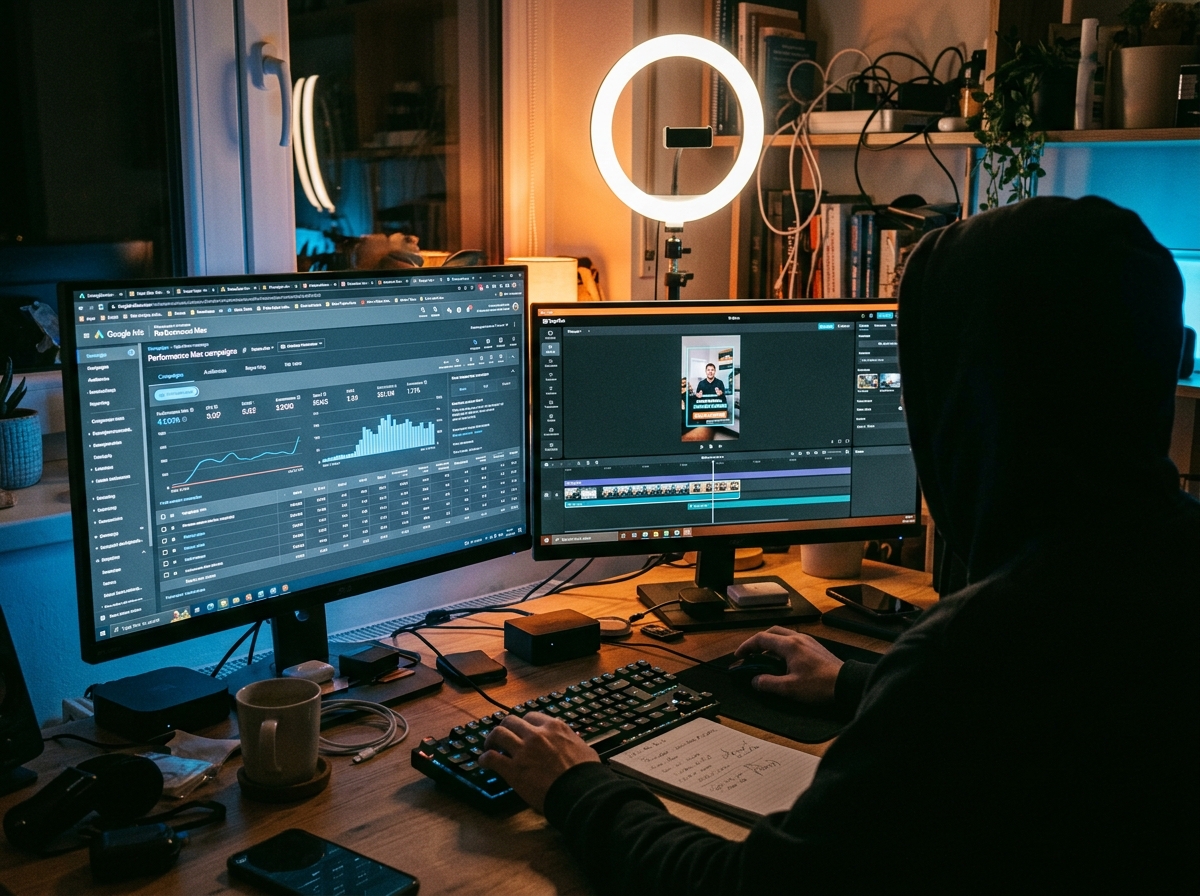
Second, use the 'Asset Group' reporting to look for performance outliers. If you see a specific asset group that is heavy on video spend but low on conversions, dig into the previews. Google allows you to see how your ads might look across different placements. Don't just look at the desktop preview; look at the mobile Discovery and Shorts previews. If the crop looks bad, kill the asset and replace it with a dedicated vertical version.
Third, consider the 'Travis Kelce' approach to authenticity [S2]. Even in massive NIL deals and brand partnerships, the focus is shifting toward 'authentic' matchmaking. If your PMax ads feel like a machine-generated afterthought, no amount of algorithmic targeting will save them. You need creative that feels like it belongs in the room.
The Strategy for 2026: Hybrid Intelligence
We are moving into an era where AI tools for social media are non-negotiable [S1]. The goal isn't to reject AI resizing but to use it as a starting point rather than a finish line. Tools like Canva, Adobe Express, and CapCut now offer AI resizing that gives the human editor more control than the Google Ads dashboard does.
If you want to win on Pinterest and Shorts, your workflow should look like this:
- Produce for Vertical First: Capture your hero content in 9:16 or at a high enough resolution (8K) that a vertical crop doesn't lose detail.
- Manual AI Refinement: Use dedicated AI tools to resize and outpaint, where you can manually adjust the focal point and text placement.
- Upload as 'Native' to PMax: Feed the machine the finished, human-vetted vertical file. This prevents the platform's 'generative' features from taking over.
Google’s goal is to spend your budget as efficiently as possible across their entire ecosystem. Your goal is to ensure that spend actually builds your business. Those two goals are not always aligned. By auditing your PMax video creative, you ensure that the 'efficiency' of AI doesn't come at the cost of your brand's soul.
Key Takeaways
- AI Resizing is Not Just Cropping: Google uses outpainting to create new pixels, which can lead to visual distortions and 'uncanny valley' effects in your ads.
- Vertical is a Language, Not a Ratio: Platforms like Pinterest and YouTube Shorts have specific aesthetic expectations that generic AI resizes often fail to meet.
- Native Assets Overrule AI: The best way to stop Google from 'hallucinating' your ads is to provide high-quality, manual 9:16 and 1:1 versions of every video.
- Audit Regularly: Use the 'Preview' tool in Google Ads to see exactly how your landscape videos are being butchered in mobile placements.
What This Means for Your Strategy Tomorrow
Tomorrow morning, your first task should be to open your top-performing PMax campaign and navigate to the 'Assets' tab. Click on 'Videos' and then 'View Details.' Look at the 'Performance' column, but more importantly, look at the 'Source' column. If you see Google-generated assets appearing there, click the preview button for 'YouTube Shorts.'
If what you see looks like a distorted version of your brand, you are likely wasting 15-20% of your video budget on 'junk' impressions that will never convert. The fix is simple: stop relying on the black box for creative production. Use the black box for distribution, but keep the keys to the creative studio in human hands.
In a world where AI search myths are being debunked by millions of data points [S5], the one truth that remains is that human-centric creative still wins. Don't let a generative algorithm be the reason your ROAS plateaus in 2026. The platforms are changing, the tools are evolving, but the need for a coherent, visually pleasing ad remains the same. Audit your PMax today, or pay the 'Franken-ad' tax tomorrow.
FAQ