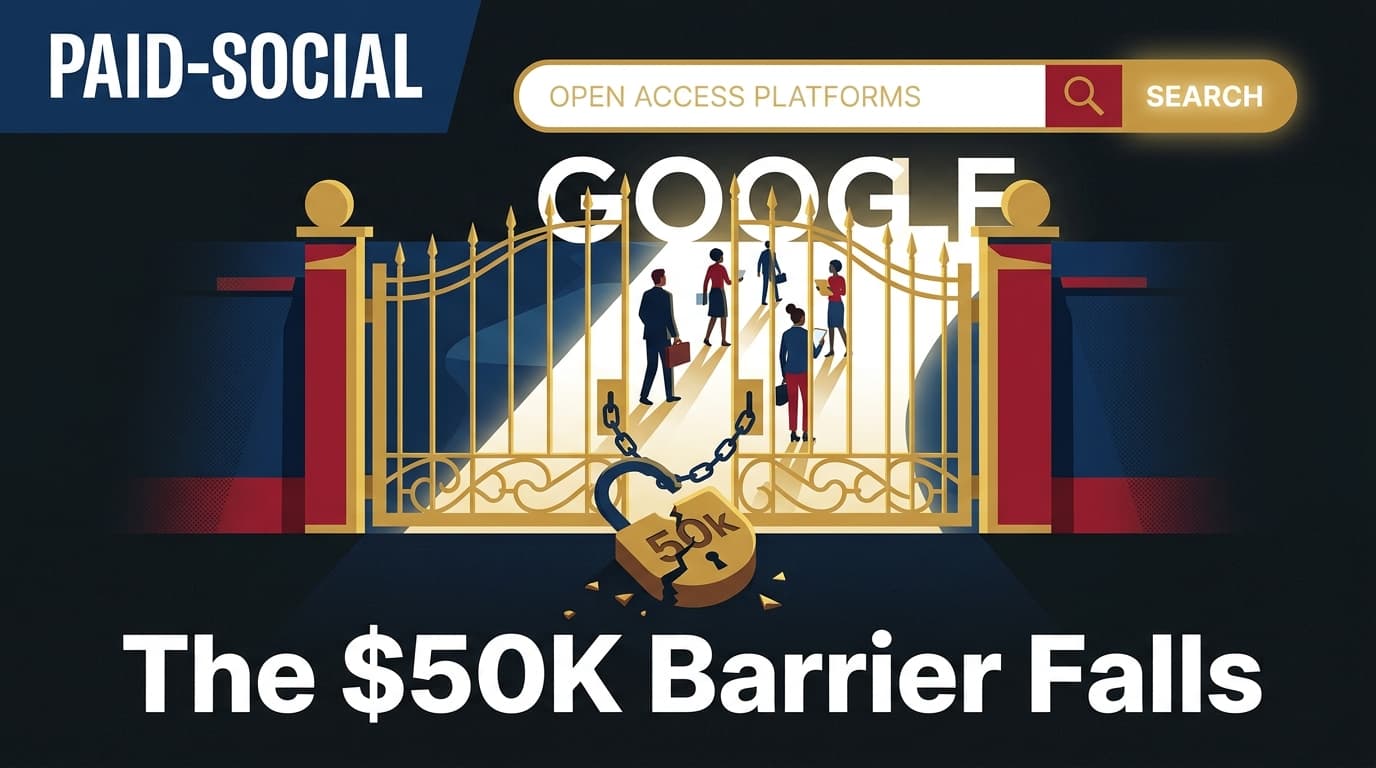
Google officially removed the $50,000 lifetime spend requirement for Lead Form Assets on July 27, 2026, opening the high-intent ad format to accounts of all sizes. Previously restricted to established advertisers with deep pockets, the feature now allows any verified advertiser to capture user data directly within the Search, YouTube, and Display environments without requiring a landing page click-through.
For social media marketers and agency strategists, this move is more than a technical update—it is a fundamental shift in the B2B and service-sector funnel. For years, mid-market brands used Meta and TikTok as their primary lead-capture engines because Google’s high-intent lead forms were locked behind a paywall. Now, the math on where to capture a lead has changed. You no longer have to choose between the high volume of social and the high intent of search; you can now execute a frictionless capture strategy on both platforms simultaneously.
TL;DR
- Access for all: The $50,000 lifetime spend threshold is gone. Any account in good standing can now deploy Lead Form Assets.
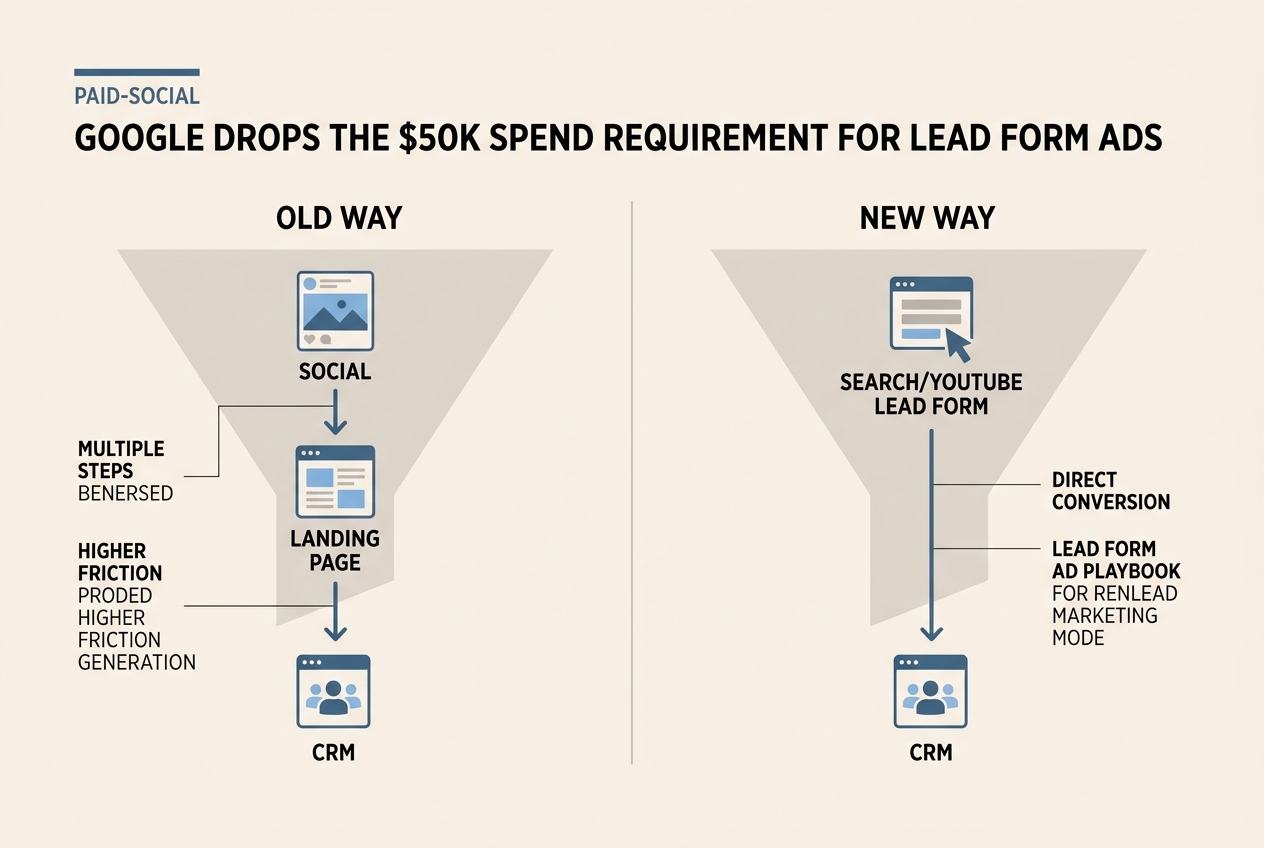
- Frictionless conversion: Users can submit their info directly in the SERP or on YouTube, bypassing landing page load times and drop-offs.
- Funnel realignment: Mid-market brands can now treat Google Search as a direct competitor to Meta’s Lead Ads for top-of-funnel capture.
- CRM Integration: Direct webhooks and Zapier support remain standard, allowing for immediate follow-up.
Why the $50k barrier existed and why it fell
Google’s historical reluctance to open Lead Form Assets to everyone wasn't just about revenue; it was about data quality. The $50,000 spend requirement served as a proxy for brand legitimacy. By ensuring only "serious" advertisers used the tool, Google protected its users from low-quality lead magnets and phishing attempts. However, as the digital landscape shifted toward privacy-first tracking and the deprecation of third-party cookies, the value of first-party data collection skyrocketed.
According to reports from ALM Corp on July 27, 2026, the removal of this spend rule aligns Google with the broader industry trend of lowering barriers to native lead generation [S1]. Meta has long dominated this space with its Lead Ads product, which thrives on low friction. By removing the spend hurdle, Google is effectively admitting that it needs to compete for the mid-market dollars that were previously flowing exclusively into the social-ad ecosystem.
For the practitioner, this means the "wait and see" period is over. If you have been running search ads to a landing page and seeing a 3% conversion rate, the native lead form offers a way to potentially double that by removing the landing page entirely. The friction of a slow-loading mobile site is the primary killer of B2B conversions; Google just gave you the tool to bypass it.
Rethinking the social-to-search lead funnel
Until now, the standard playbook for a mid-market B2B brand looked like this: use Meta for high-volume, low-cost lead generation to build a database, and use Google Search purely for high-intent traffic directed to a high-intent landing page. The search ads were the "closer," but they were expensive and required a perfect web experience to convert.
With the barrier removed, the playbook changes. You can now run "Lead Gen First" campaigns across the entire Google ecosystem. This allows for a more aggressive testing of keywords that might have been too expensive to send to a landing page.
Consider the "Comedy Video" approach recently highlighted by a New Zealand golf shop on TikTok [S5]. While they found success with engagement and awareness on social, moving those high-intent users into a conversion state often requires a search touchpoint. If a user sees a funny video on TikTok, then later searches for "best golf clubs for beginners," the ability for that brand to serve a Google Lead Form immediately—without the user leaving the search results—is a massive advantage. It bridges the gap between social-driven awareness and search-driven intent.
Technical requirements and implementation strategy
While the spend requirement is gone, the quality requirements remain. To use Lead Form Assets, your account must still be in a supported vertical (sensitive verticals like healthcare and gambling are restricted) and you must have a clear privacy policy.
From a tactical perspective, the setup involves creating the asset at the account, campaign, or ad group level. You can ask for basic information—name, email, phone number, city—or more specific qualifying questions. For B2B buyers, the "Work Email" and "Company Name" fields are the gold standard.
One often overlooked feature is the "Background Image" for the form. This is your chance to maintain brand consistency. If you are running a campaign tied to a specific creative theme—like the "Moment Marketing" seen with brands latching onto Christopher Nolan’s The Odyssey [S4]—ensure your lead form visual matches the ad creative. Consistency reduces the cognitive load on the user and increases the likelihood of a completed form.
The impact on lead quality and CRM workflows
One of the biggest complaints about native lead forms—on both Meta and Google—is lead quality. Because it is so easy to fill out a form (often auto-populated by the platform), you will inevitably get some junk.
To combat this, use the "More Volume" vs. "Higher Intent" setting within the Google Ads interface. The "Higher Intent" option adds a confirmation step, requiring the user to review their info before hitting submit. In our experience with agency-scale accounts, this single checkbox can reduce lead volume by 20% but increase lead-to-opportunity conversion by 40%.
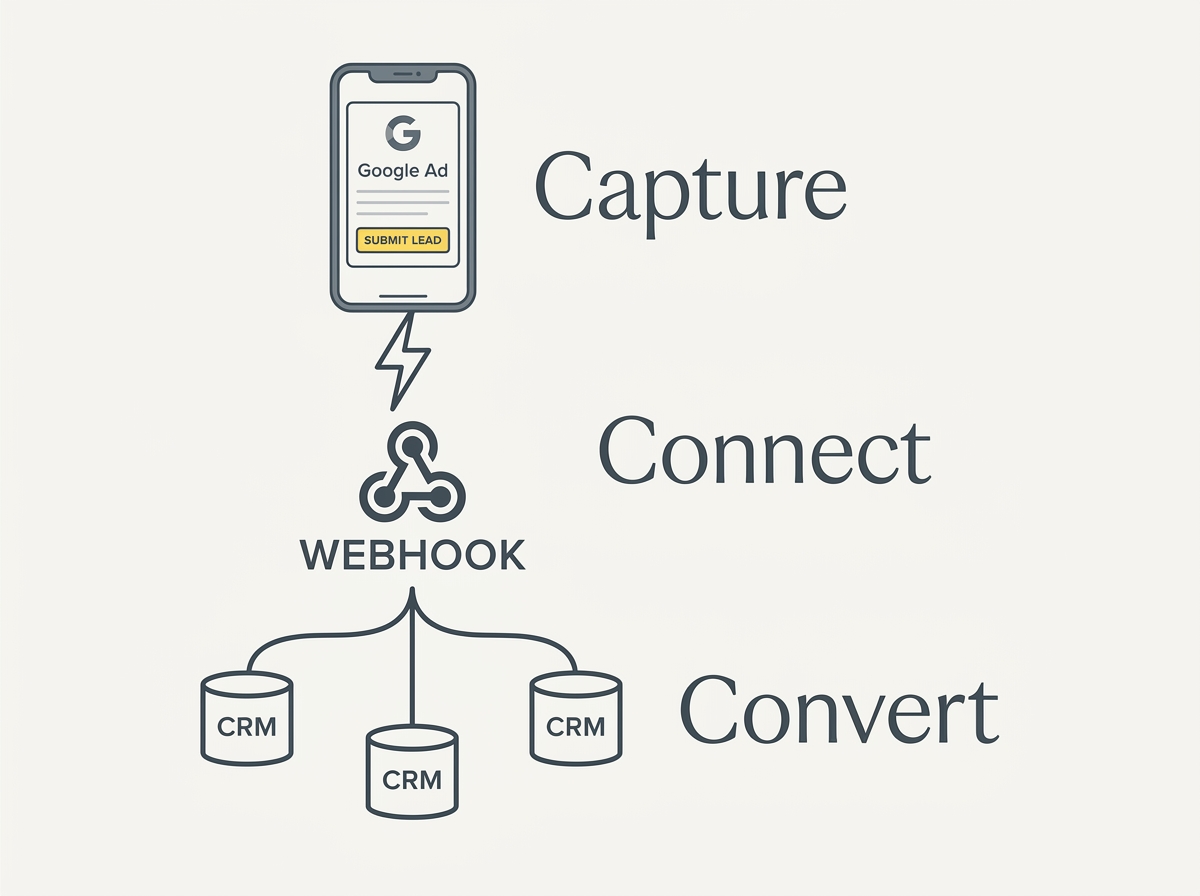
Furthermore, the plumbing matters. Do not let these leads sit in the Google Ads UI. Use a webhook or a tool like Zapier to push these leads into your CRM (HubSpot, Salesforce, or Pipedrive) in real-time. The decay rate of a search lead is incredibly fast; if you don't contact them within five minutes, your chances of a connection drop significantly.
Privacy, Compliance, and the Global Landscape
It is important to view this change against the backdrop of increasing global regulation on digital platforms. While Google is opening up lead generation, other areas of the social web are tightening. Recent data shows a growing trend of countries moving to ban social media for children [S2], and the scrutiny on how data is collected and stored is at an all-time high.
Using Google’s native forms actually helps with compliance in some ways. Because the data is collected within Google's secure environment and passed directly to your CRM via encrypted webhooks, you avoid some of the risks associated with third-party tracking pixels on your own site. However, you must ensure your privacy policy is linked correctly within the form, or Google will reject the asset.
Another technical nuance to watch is how your content is indexed and discovered. As noted by Search Engine Journal regarding Claude chat indexing, a "disallow" in robots.txt is not the same as a "noindex" [S3]. While this applies to SEO, it’s a reminder that how you manage your brand's digital footprint across Google’s properties requires precision. Ensure that your lead-capture landing pages (if you still use them as a backup) are properly configured so you aren't paying for traffic to a page that isn't optimized for the current search environment.
What to watch next: The AI-driven lead gen future
Google's removal of the spend cap is likely a precursor to a more aggressive AI-integrated lead generation strategy. We expect to see Gemini-powered "conversational" lead forms in the near future, where a user doesn't just fill out a static form but interacts with an AI agent to qualify themselves before the lead is even passed to your sales team.
For now, the move is clear: if you are a mid-market advertiser who previously felt priced out of Google's best conversion tools, the door is open. Start by porting over your best-performing Meta Lead Ad headlines and testing them against your top-performing search keywords. The era of the $50k gatekeeper is over.

How to apply this tomorrow
- Audit your account: Check the 'Assets' tab in your Google Ads account to see if Lead Form Assets are now available for your account.
- Select high-intent keywords: Don't waste lead forms on broad awareness terms. Target "solution-based" keywords where the user is actively seeking a provider.
- Build the form: Use a compelling offer (a whitepaper, a free audit, or a discount code) as the hook.
- Connect your CRM: Ensure the lead flow is automated before you turn the ads on.
- Monitor quality: If the leads are too raw, switch to the "Higher Intent" form type immediately.
By following this playbook, you can capitalize on Google's democratization of lead gen and build a more resilient, multi-channel acquisition engine that doesn't rely solely on the volatile social media algorithms.
FAQ