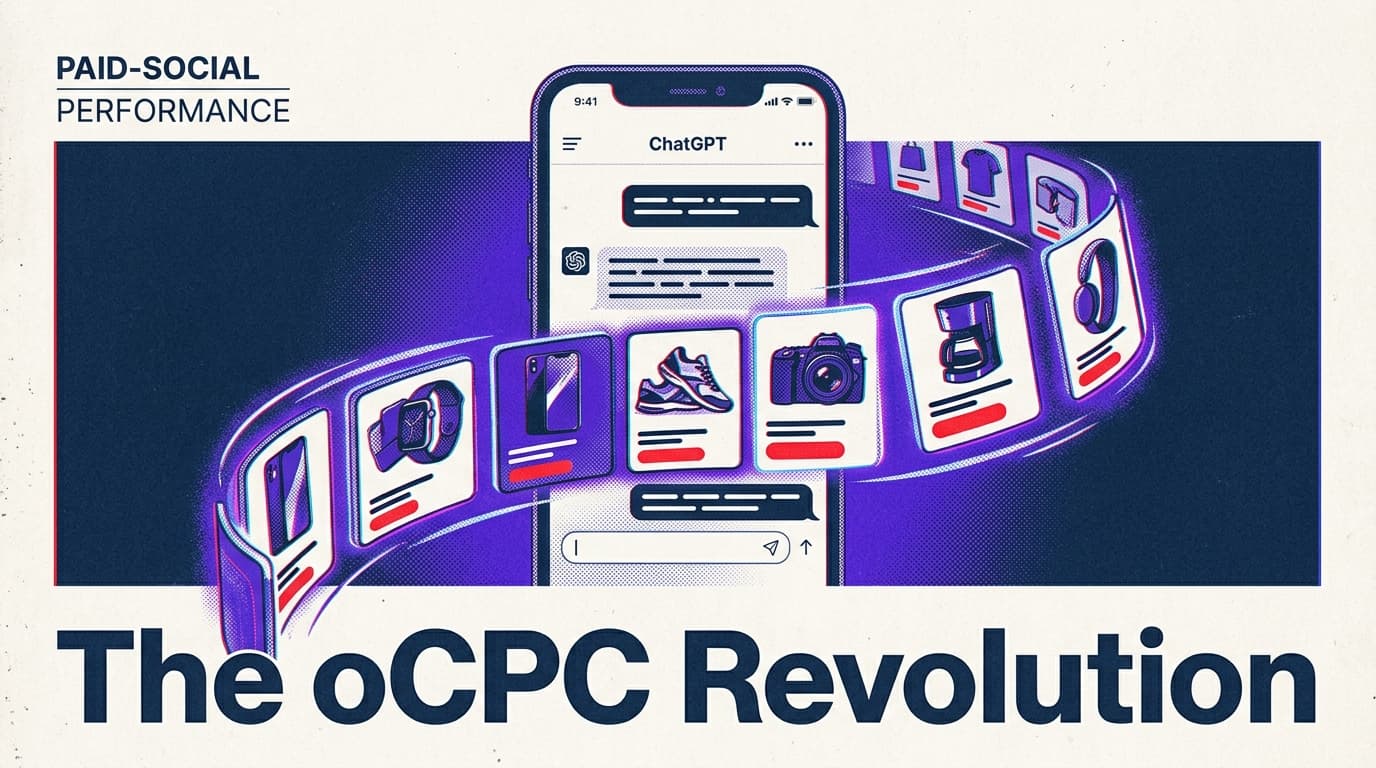
OpenAI is finally done with the 'experimental' phase of its ad product. For the last year, brand mentions in ChatGPT were largely a byproduct of high-authority SEO or manual sponsorship deals. That changed this month with the release of optimized Cost-Per-Click (oCPC) bidding. This move signals a shift from brand awareness to hard performance metrics, placing ChatGPT in direct competition with Google’s Performance Max and Meta’s Advantage+ suites.
By the end of this guide, you will have a fully synchronized product feed and a bidding strategy designed to capture high-intent users at the moment of query. Before you start, ensure you have an active OpenAI Business account, a clean product feed in CSV or XML format, and your conversion tracking pixel—OpenAI's 'Signal Pixel'—installed on your checkout page.
TL;DR
- oCPC Bidding: OpenAI now adjusts bids in real-time based on the likelihood of a conversion, not just a click.
- Product Sync: Native integration with Shopify and Google Merchant Center is now live.
- Bid Caps: Use a 'Safety First' approach with bid caps set 20% higher than your average Google Search CPC to account for the higher intent of conversational queries.
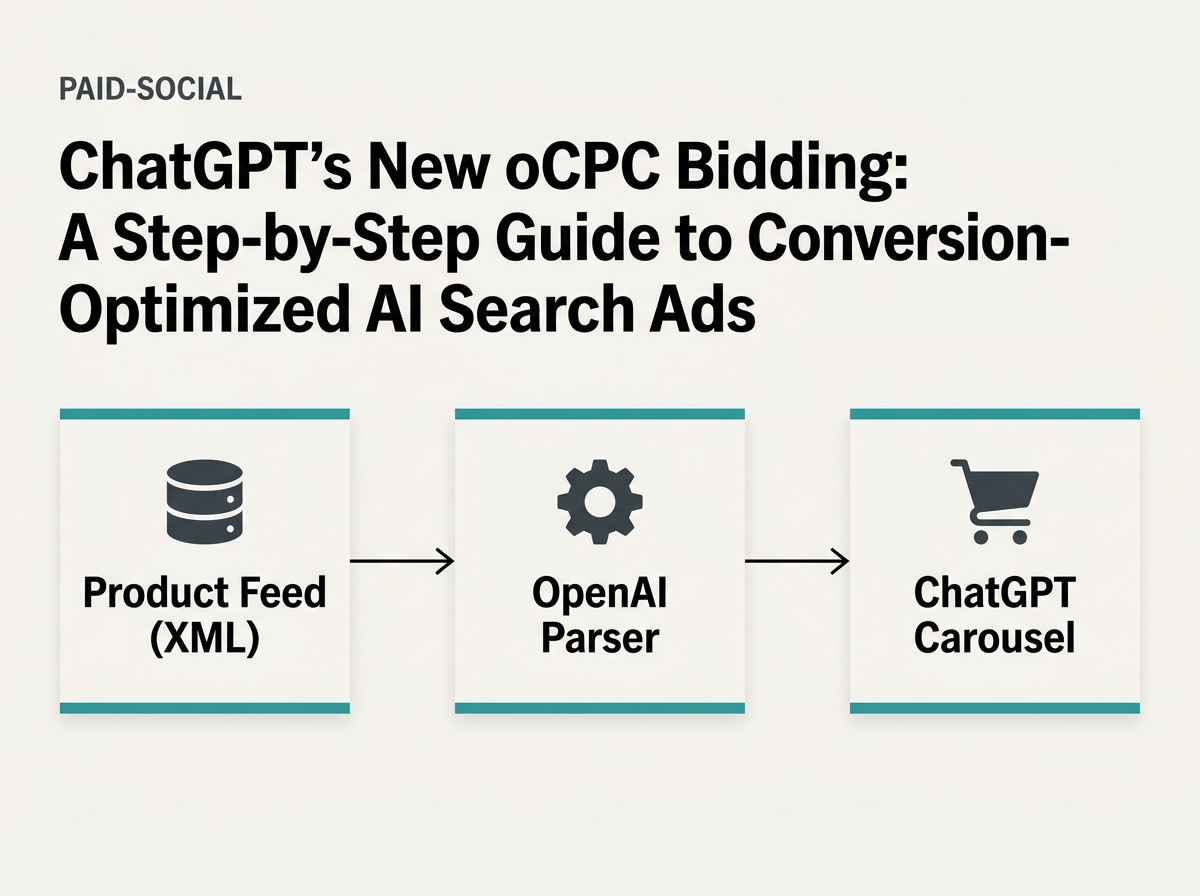
Step 1: Connect your product feed for carousel rendering
You cannot run effective performance ads in ChatGPT without a structured data source. While the bot can 'browse' the web, the new product carousels require a direct feed to ensure price accuracy and inventory sync. If ChatGPT recommends a product that is out of stock, your Quality Score—a metric OpenAI is now weighting heavily—will plummet.
Why it matters: Conversational commerce relies on immediacy. When a user asks, 'What are the best ergonomic chairs for lower back pain?', a text response is helpful, but a scrollable carousel with prices and 'Buy Now' buttons is what drives the ROAS. Without a feed, you are stuck in the text-only 'Sponsored Mention' tier, which lacks the oCPC optimization capabilities.
To do this, navigate to the OpenAI Ad Manager (currently in limited rollout to Enterprise users) and select 'Data Sources.' You have two primary options: a direct API connection for custom builds or the standard XML feed upload. Most marketers should stick to the XML feed, as it mirrors the architecture of Google Merchant Center. Ensure your g:condition, g:availability, and g:price fields are mapped correctly. OpenAI’s parser is stricter than Meta’s; a missing currency code will cause a flat rejection of the entire batch.
Common pitfall: Using generic product descriptions. ChatGPT uses your feed's description field to determine relevancy for complex queries. If your description is just 'Black Leather Chair,' you won't show up for 'Durable office furniture for remote workers.' Be verbose in your feed data.
Step 2: Implement the Signal Pixel for oCPC training
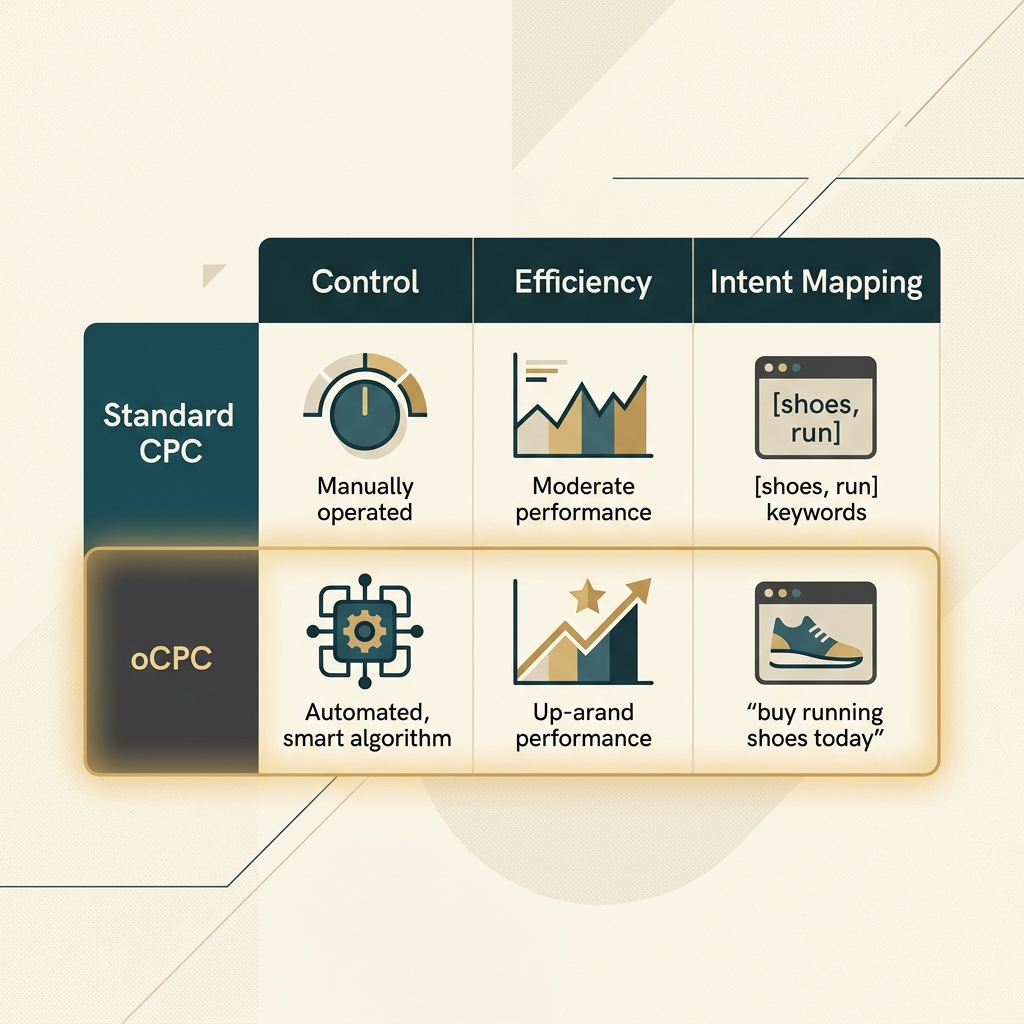
Optimized CPC isn't magic; it's a machine learning model that needs feedback. The 'Signal Pixel' is OpenAI’s answer to the Meta Pixel or the LinkedIn Insight Tag. It tracks not just the click, but the downstream actions: Add to Cart, Initiate Checkout, and Purchase.
Why it matters: In an oCPC environment, the algorithm will intentionally skip users who are 'just browsing' if it believes they won't convert based on their historical conversational patterns. If you don't provide conversion data, the oCPC model defaults to standard CPC, and you'll likely overpay for low-intent traffic. This is particularly critical given the industry-wide shift toward better attribution, evidenced by Google Ads' recent addition of dedicated reporting for new customer acquisition [S2].
To implement, go to 'Events Manager' in your dashboard. You’ll be given a snippet of JavaScript to place in the <head> of your site. Unlike Google’s tag, OpenAI’s pixel also allows for 'Contextual Signals'—you can pass back the specific query that led to the sale if the user opted into data sharing. This is a goldmine for refining your keyword exclusion lists later.
Common pitfall: Failing to set up 'Enhanced Conversions.' Just like with Google, server-side tracking is becoming the standard. If you rely solely on browser-based cookies, you'll lose roughly 30% of your data to ITP and ad blockers, starving the oCPC model of the signals it needs to optimize.

Step 3: Configure oCPC bidding and set your bid caps
Once your feed is live and your pixel is firing, you can create an oCPC campaign. In the 'Bidding' section of your campaign setup, select 'Optimize for Conversions' and choose 'oCPC' as the method. You will be asked for a 'Target CPA' and a 'Maximum Bid Cap.'
Why it matters: ChatGPT's ad inventory is currently sparse compared to the millions of slots on the Google Display Network. This means competition for the top 'Response Slot' is fierce. Setting a bid cap protects you from 'hallucination spikes'—moments when a viral topic leads to a surge in expensive, low-quality queries. While the industry is seeing mergers like Nielsen and DoubleVerify to improve transparency [S3], you must still maintain manual controls over your AI-driven spend.
For your initial bid cap, look at your top-performing Google Search keywords. If your average CPC is $2.50, set your ChatGPT bid cap at $3.00. Why the premium? Because a user in a ChatGPT session is deeper in the research funnel than someone doing a broad Google search. They are asking follow-up questions, which indicates a higher level of cognitive engagement. You are paying for the 'Real Time' relevance that platforms like Instagram are currently testing in their own algorithms [S4].
Common pitfall: Setting the Target CPA too low at launch. The oCPC algorithm needs at least 50 conversions per week to stabilize. If your TCPA is so restrictive that you only get 5 sales, the model will never learn, and your delivery will eventually flatline.
Step 4: Crafting 'Conversational Creative' for the response slot
In ChatGPT, your 'Ad' isn't just a banner; it's a part of the assistant's answer. This requires a different creative approach than the horizontal image ads YouTube is currently testing [S1]. You have two main components: the 'Anchor Text' and the 'Follow-up Prompt.'
Why it matters: If your ad feels like an interruption, users will ignore it or ask the bot to 'ignore previous instructions.' Your creative needs to provide utility. If the user asks about travel tips for Italy, your ad for a luggage brand should offer a 'Packing Checklist for European Cobblestones' rather than just a '20% Off' coupon.
Your Anchor Text should be a maximum of 90 characters. The Follow-up Prompt is a suggested question the user can click to continue the conversation with your brand. For example: 'How does this luggage handle airline weight limits?' This keeps the user in your 'Conversational Funnel' rather than letting them bounce back to a general search.
Common pitfall: Using 'hard-sell' copy. In a conversational interface, phrases like 'BUY NOW' or 'LIMITED TIME OFFER' feel jarring. Use helpful, advisory language. Think 'View the comparison' or 'See how it fits' instead of 'Shop our sale.'
Step 5: Verification and scaling
How do you know it’s working? Check the 'Attribution' tab in OpenAI Ad Manager. You are looking for a metric called 'Conversation Lift.' This measures how many users who interacted with your ad eventually converted compared to a control group who saw a generic organic mention.
If your 'Conversation Lift' is above 15%, you have found a winning prompt-product match. At this stage, you can begin to remove the bid caps and move to a 'Maximize Conversions' strategy. Monitor your 'Response Share'—the percentage of time your brand is the primary recommendation for your target query set. If this drops below 40%, it's time to refresh your product feed descriptions or increase your oCPC targets.
Three tactics to try next:
- Query-Specific Landing Pages: Don't send ChatGPT users to your homepage. Send them to a page that mirrors the conversational context (e.g., a 'Best of' list that matches the bot's recommendation).
- Negative Intent Mapping: Exclude queries that start with 'How to fix' or 'Free' to avoid burning budget on support-seeking users rather than buyers.
- Sequential Retargeting: Use the Signal Pixel to create an audience of people who 'Engaged with Assistant' and retarget them on Meta or LinkedIn with a more direct offer.
As the landscape of media continues to shift—with major mergers like Paramount and WBD potentially altering where video budgets flow [S5]—the ability to capture intent in the AI search bar will become a foundational skill for the modern performance marketer.
FAQ