
By mid-2026, the mandate for social media teams has shifted from 'do more with more' to 'do everything with what you have.' While platforms like TikTok have solidified their dominance—with Influencer Marketing Hub noting TikTok is now the #1 platform for beauty influencer marketing—the internal resources to manage these sprawling ecosystems haven't kept pace with the complexity. We aren't just talking about scheduling posts anymore. We're talking about managing TikTok Shop fulfillment, creator-affiliate relationships, and the relentless demand for vertical video that feels 'native' rather than 'produced.'
If you're a brand lead or agency strategist, you've likely felt the squeeze. Marketing budgets are tightening globally, yet the volume of content required to stay relevant in the algorithmic feed has tripled. This is where high-leverage automation moves from a luxury to a survival tactic. We've vetted five specific automation workflows that are currently saving mid-sized teams an average of 15 to 20 hours per week. These aren't just 'set and forget' bots; they are integrated loops that connect your creative, community, and commerce data.
TL;DR
- Creator-to-Commerce Loops: Automate the bridge between influencer content and TikTok Shop listings to capitalize on the 'cold start' phase.
- AI-Driven Community Triage: Use sentiment-aware routing to handle 80% of routine inquiries without human intervention.
- Asset Recalibration Pipelines: Turn a single long-form asset into platform-specific vertical clips via automated editing hooks.
- Affiliate Management Scrapers: Identify and recruit high-performing niche creators using automated performance triggers.
1. The TikTok Shop 'Cold Start' Content Loop
Starting a TikTok Shop from scratch in 2026 is a data-heavy lift. According to recent insights from Net Influencer, 'cold starting' a shop requires a high frequency of both live-stream and short-form video content to signal relevance to the algorithm. For a small team, this is a logistical nightmare. The automation recipe here involves connecting your e-commerce backend (like Shopify or BigCommerce) to a creative automation tool like Canva or Adobe Express via Zapier or Make.
When a new product is added to your shop, the workflow triggers a creative suite to generate a set of 'first-look' videos using pre-approved brand templates and AI-generated voiceovers. This ensures that every product has a video asset within minutes of going live. More importantly, it pushes these assets to a 'seed' folder for your affiliate creators. By automating the distribution of these assets, you remove the manual back-and-forth that usually delays the launch of a new SKU.
This workflow is best for brands with high SKU turnover or those entering the TikTok Shop space for the first time who need to build immediate algorithmic momentum. It solves the 'blank page' problem for your creative team and ensures your shop never looks abandoned.
2. Automated Community Management and Sentiment Triage
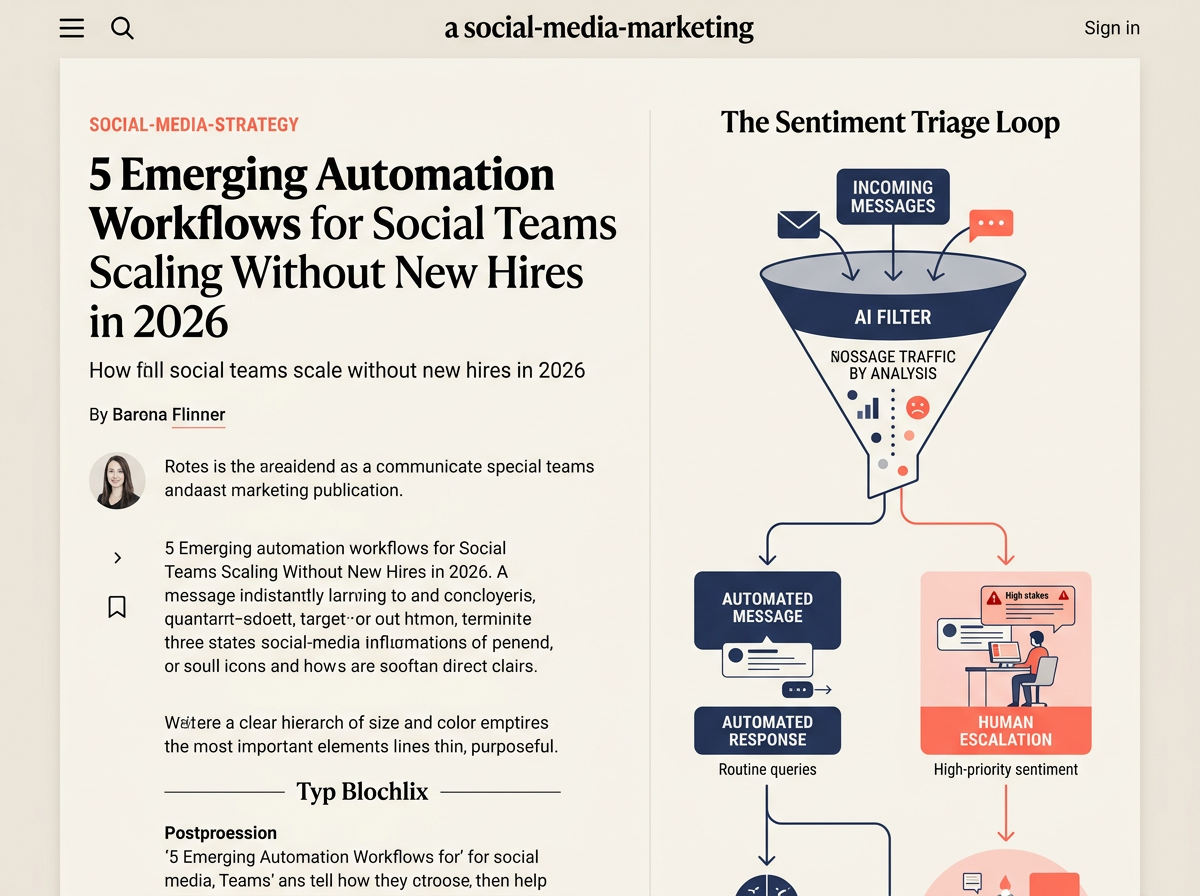
Community management has become a victim of its own success. As brands lean into 'unhinged' or highly interactive personas, the volume of incoming comments and DMs has skyrocketed. You can't hire five more community managers, but you can automate the triage. Modern social media automation tools now integrate directly with LLMs to categorize incoming messages not just by keyword, but by intent and sentiment.
How to master community management in the age of AI
A robust workflow involves a tool like Sprout Social or Khoros acting as the listener, passing high-volume/low-stakes queries (e.g., "When is this back in stock?" or "Do you ship to the UK?") to a custom-tuned GPT agent. This agent doesn't just bark back a generic link; it references your live inventory and shipping policies to provide a specific, human-sounding answer. If the sentiment turns negative or involves a complex customer service issue, the automation triggers a high-priority alert in Slack or Microsoft Teams for a human to intervene.
This system effectively filters out the noise, allowing your social media manager to focus on the 20% of interactions that actually build brand equity. Best for high-growth D2C brands that see 500+ comments per day across their primary channels.
3. The Multi-Platform Asset Recalibration Pipeline
Vertical video is no longer a sub-segment of your strategy; it is the strategy. Per ContentGrip's 2026 data on TikTok content types, the best-performing videos are those that feel spontaneous but adhere to strict technical specs—specifically high-bitrate 1080p resolution and a 9:16 aspect ratio. Manually re-editing a YouTube video or a high-production brand film for TikTok, Reels, and Shorts is a time-sink that most teams can no longer afford.
The emerging workflow uses AI-video tools like Munch or OpusClip to ingest long-form video and automatically identify 'hook-worthy' moments based on engagement data and speech patterns. These clips are then auto-captioned and resized. The real automation 'win' happens next: these clips are automatically queued into your social scheduler (like Buffer or Later) with platform-specific captions generated by an AI that understands the different 'vibes' of TikTok vs. Instagram.
By the time your social media manager logs in on Monday morning, they have 10-15 draft posts ready for a final 5-minute review rather than 5 hours of manual editing. Best for content-heavy brands like media houses, B2B SaaS companies with long-form webinars, or creators scaling to multiple platforms.
4. Automated Creator-Affiliate Recruitment and Vetting
As evidenced by NextTrip's recent acquisition of TikTok partner agency YADA, the intersection of creator content and commerce is where the biggest platform gains are happening. However, finding the right creators to join your affiliate program is a manual slog. You have to find them, check their engagement rates, ensure their audience matches your demographic, and then reach out.
[INTERNAL: The rise of creator-commerce platforms in 2026 -> creator-commerce-trends]
Smart teams are now using 'listening' automations. Using a tool like Brandwatch or Modash, you can set up a trigger for any creator under 100k followers who mentions your brand or a competitor with a positive sentiment and an engagement rate above 3%. When the trigger hits, an automated outreach sequence is initiated via an influencer CRM like Grin or Aspire. This sequence introduces the affiliate program and offers a unique tracking link or sample product.
This turns creator recruitment into a passive 'always-on' engine. Instead of a monthly 'sprint' to find partners, you have a steady stream of micro-influencers entering your ecosystem. Best for beauty, fashion, and travel brands where high-volume micro-influencer partnerships are the primary driver of TikTok Shop sales.
5. The Performance-to-Paid Creative Bridge
One of the biggest wastes of marketing budget is 'guessing' which organic posts will perform well as paid ads. In 2026, the gap between organic success and paid ROI has narrowed, but the speed of execution is critical. If a post goes viral on Tuesday, it needs to be an ad by Tuesday afternoon to capture the momentum.
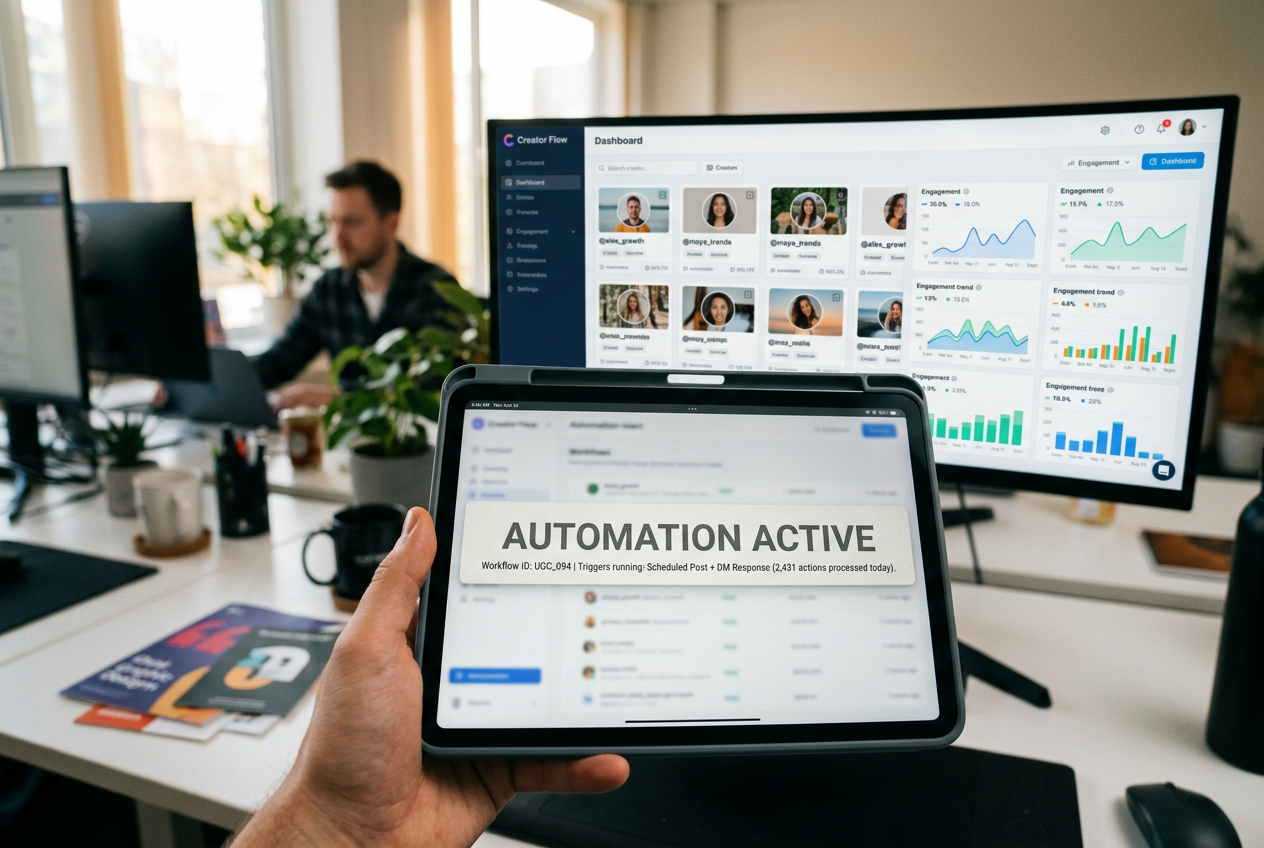
This workflow connects your organic performance data (via the TikTok or Meta API) to your Ad Manager. When an organic post hits a specific benchmark—for example, a 2x higher-than-average view-through rate in its first 4 hours—the automation triggers a notification to the media buyer and automatically creates a draft campaign in Ad Manager using that post's ID. In more advanced setups, it can even automatically assign a small 'test' budget of $50 to the post to see if the organic engagement translates to conversions.
This 'bridge' ensures you never miss a viral window. It also takes the guesswork out of creative testing, as the organic audience has already done the heavy lifting of vetting the content. Best for performance-driven marketing teams that need to justify every dollar of ad spend with proven creative.
How to Audit Your Current Social Stack for Automation Gaps
Before you go out and buy five new tools, you need to understand where your team is actually losing time. Most social media managers think they spend their time on 'strategy,' but a time-audit usually reveals they are spending 60% of their day on 'data entry'—moving files from Google Drive to a scheduler, copying captions from a Google Doc, or manually replying to the same five questions in the DMs.
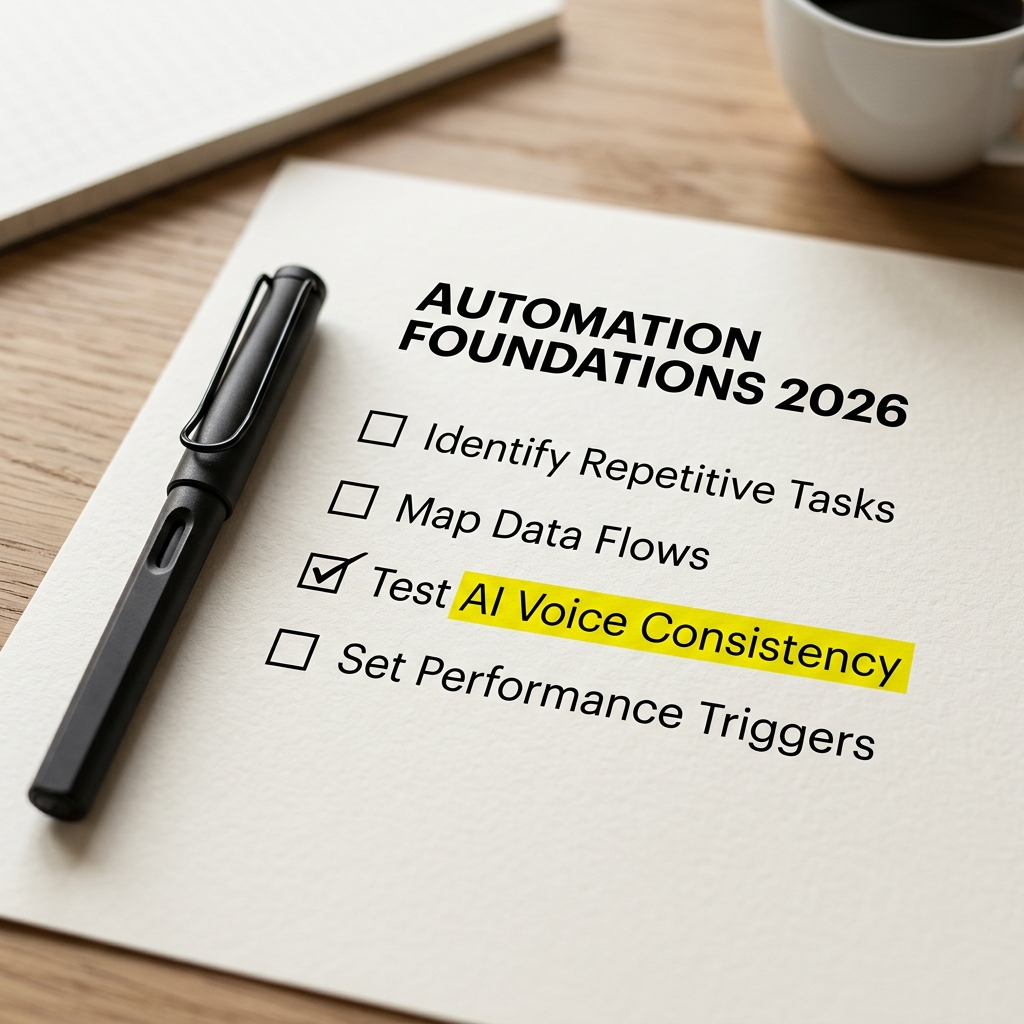
Start by mapping your most frequent tasks. If a task is performed more than three times a day and doesn't require a high-level creative 'pivot,' it is a prime candidate for a Zapier or Make connection. The goal of automation in 2026 isn't to replace the social media manager; it's to remove the 'manager' part of the job so they can go back to being a 'social' expert.
As we see from the shift in beauty marketing (where TikTok is now the clear leader), the platforms move faster than traditional hiring cycles. Automation is the only way to remain agile enough to pivot when the next algorithm shift inevitably arrives. You don't need a bigger team; you need a smarter engine.
The Future of Social Media Productivity
We are moving toward a 'headless' social media management model. In this world, the 'social media manager' acts more like an orchestrator of various AI agents and automation loops. They set the brand voice, define the performance benchmarks, and intervene when the 'human touch' is required for high-stakes crisis management or high-value partnership negotiation.
By implementing even two of the five workflows mentioned above, you can reclaim nearly two full workdays per week. That is time that can be spent on high-level strategy, deep-dive competitor analysis, or simply preventing the burnout that has plagued this industry for the last decade. The tools are here. The data is clear. The only thing left to do is build the pipes.
FAQ